
Step-by-step DIY
How to Find Your Car's VIN
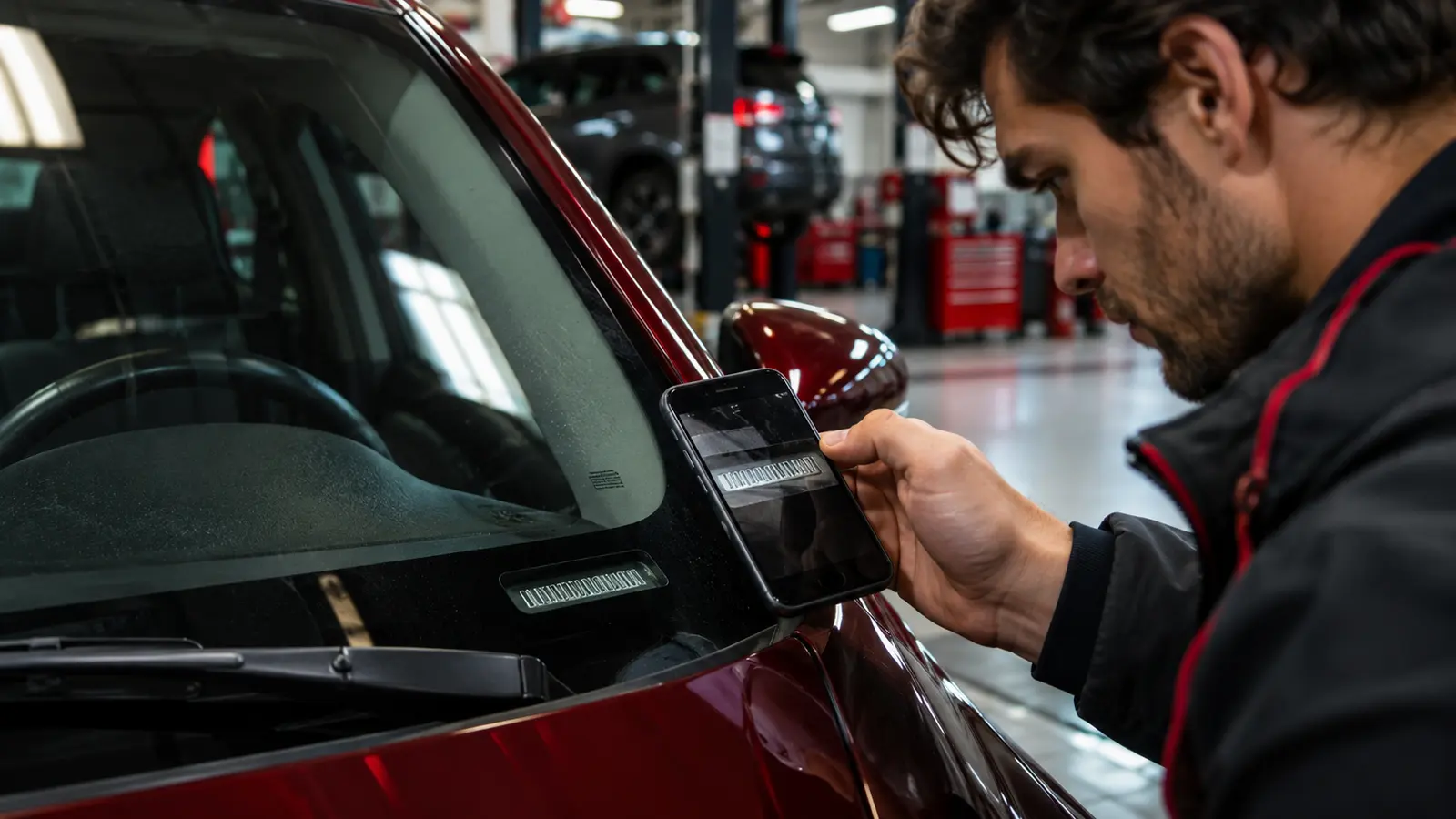
Your vehicle identification number (VIN) is a 17-character code. It's usually visible at the bottom of the windscreen on the driver's side, on a label in the driver's door pillar, stamped in the engine bay and printed on your registration and insurance documents.
Step by step
- 1
Look through the windscreen
At the bottom corner on the driver's side.
- 2
Check the door pillar
Open the driver's door and look for a label.
- 3
Look under the bonnet
Often stamped on the bulkhead or chassis.
- 4
Check documents
Registration, insurance and service records.
- 5
Compare them
All locations should match.
- 6
Use it
For parts, recalls and vehicle history checks.
Common mistakes to avoid
- Confusing letters (VINs avoid I, O and Q)
- Using a mismatched VIN from documents
Not comfortable doing it yourself?
A local garage can do this quickly. Compare nearby options.
Frequently asked questions
Why are I, O and Q not used?
To avoid confusion with 1 and 0.
Can I check recalls with my VIN?
Yes, through official recall services in many countries.
Related guides
General information, not a diagnosis. If a warning light is red, the car drives abnormally or you're unsure, stop safely and have a qualified technician inspect the vehicle.